
Turn any PC into a safe computer for your kids
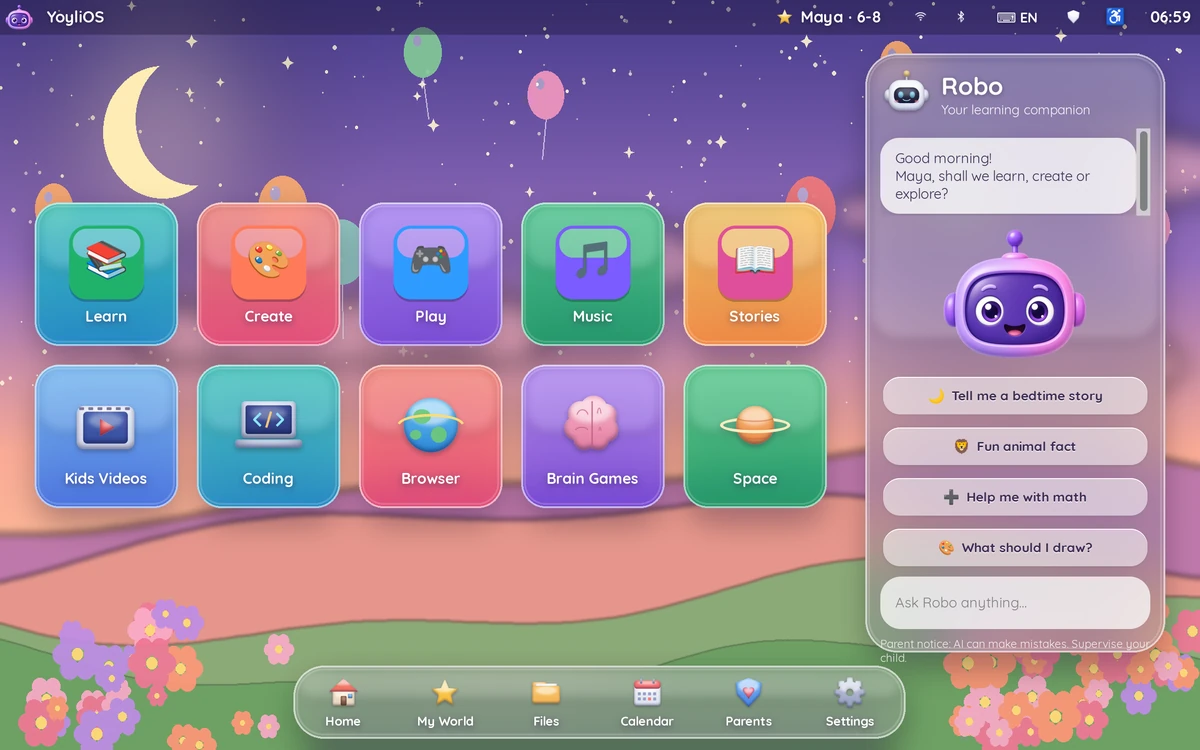
YoyliOS is a complete kids’ computer system you start from a USB stick. Your child gets learning apps, games, school tools and Robo, an offline AI buddy. You get a parent password, screen-time limits and bedtime mode. No ads, no in-app purchases, no accounts, no feeds.
Built for what parents actually worry about
Screen time battles
Daily limits, bedtime lock, and a screen-time “deal” you agree on together.
Ads & in-app purchases
None. Not a single ad, upsell or payment screen inside.
Strangers online
No chat with strangers, no accounts, no social features. Works fully offline.
Endless video feeds
No autoplay feeds or algorithms. Just apps you’ve approved.
Up and running in 3 steps
Your current system isn’t touched unless you choose to install.
Download
Get YoyliOS and your lifetime license key after purchase.
Put it on a USB stick
Write it to a 16 GB+ USB stick with a free USB-writing tool. We include step-by-step help.
Boot
Start the PC from the USB stick. A short setup creates a profile for each child.
Everything in one kids’ computer
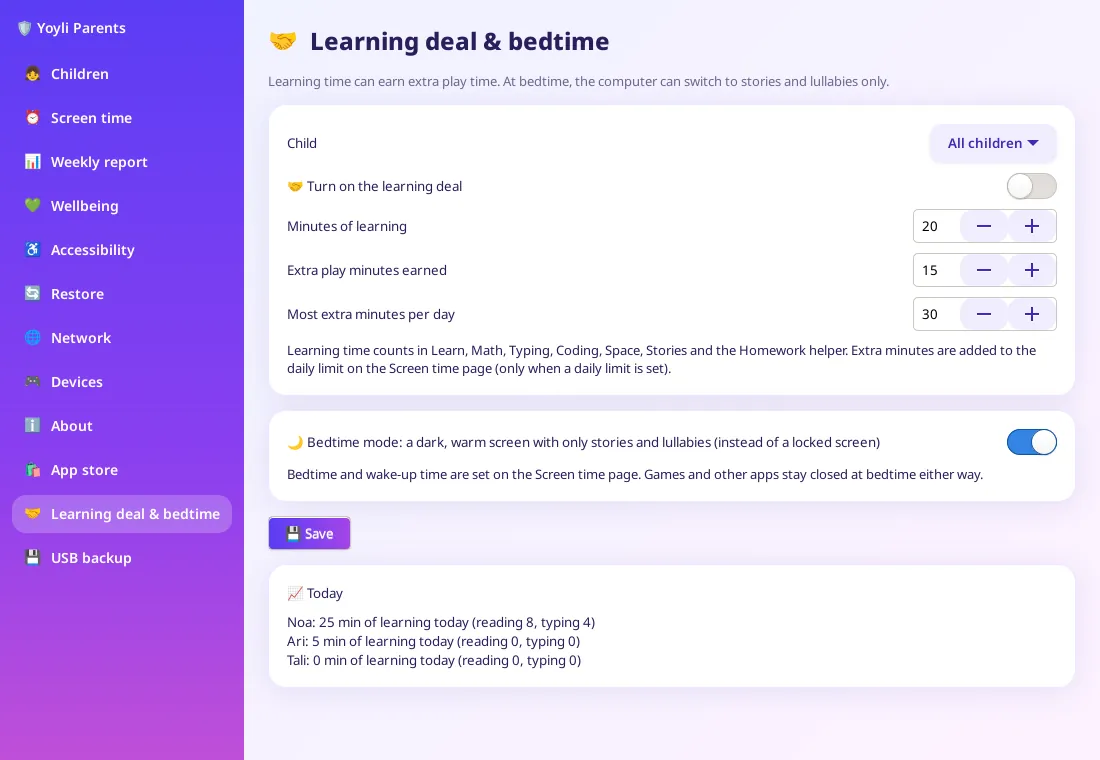
Parents panel
Parent password, screen-time limits, bedtime mode and a screen-time deal.
Age profiles
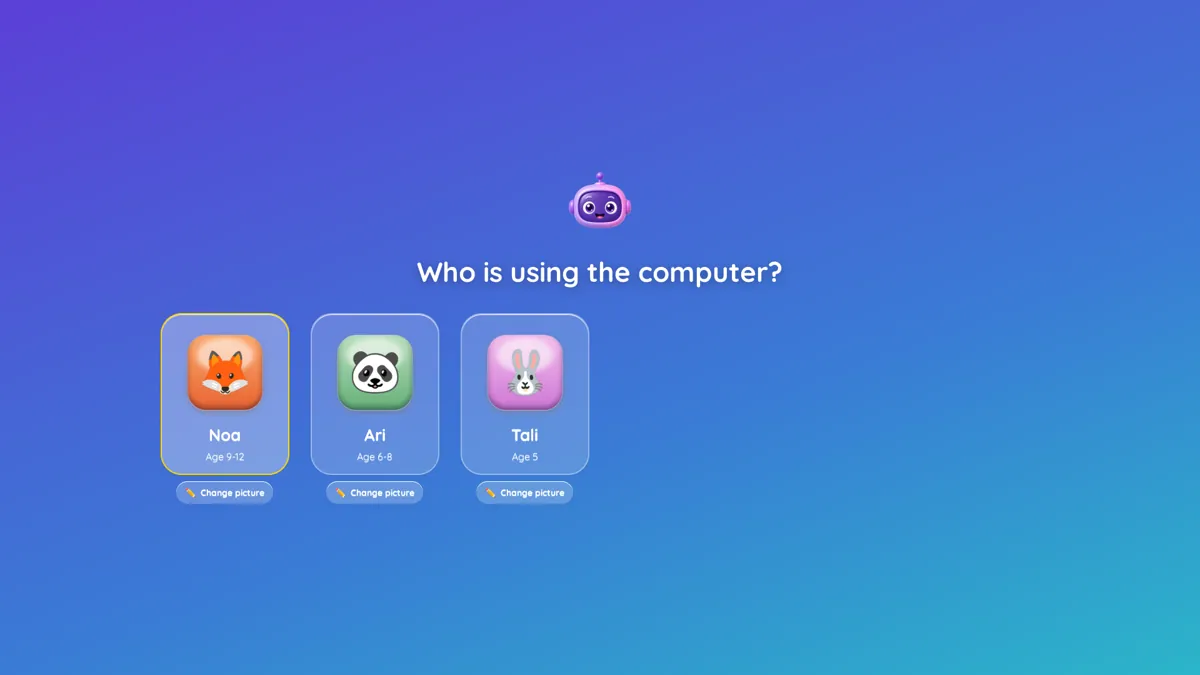
2–4, 5–8 and 9–12, with a family “Who’s using the computer?” picker.
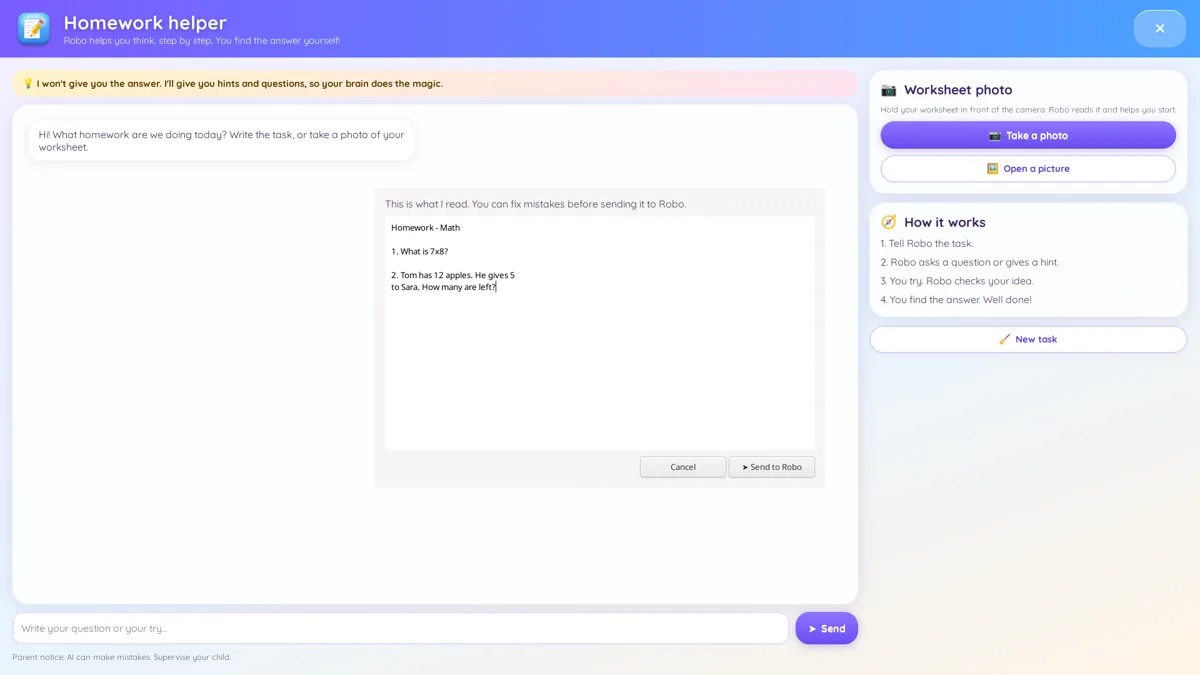
Robo, offline AI buddy
Answers questions and helps with homework, even from a photo of the page. No internet needed.
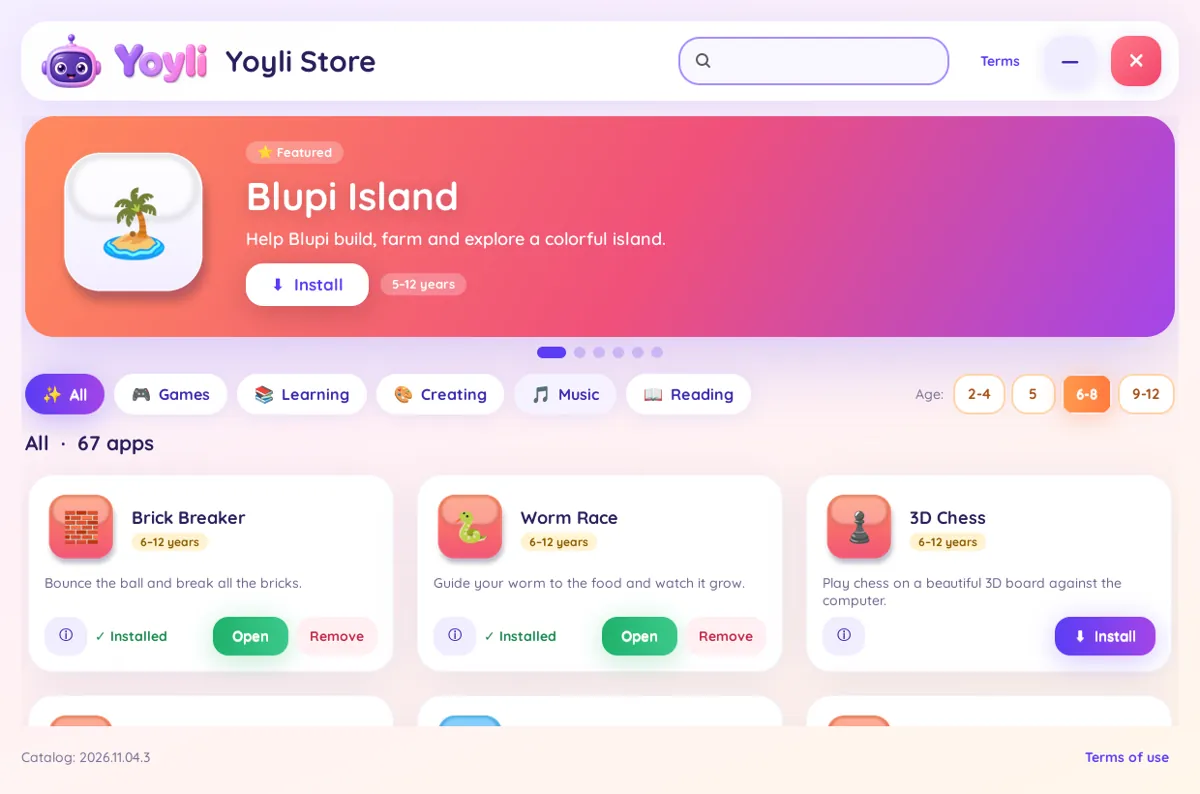
Yoyli Store
100+ curated kids apps, filtered by age, installed only with parent approval.
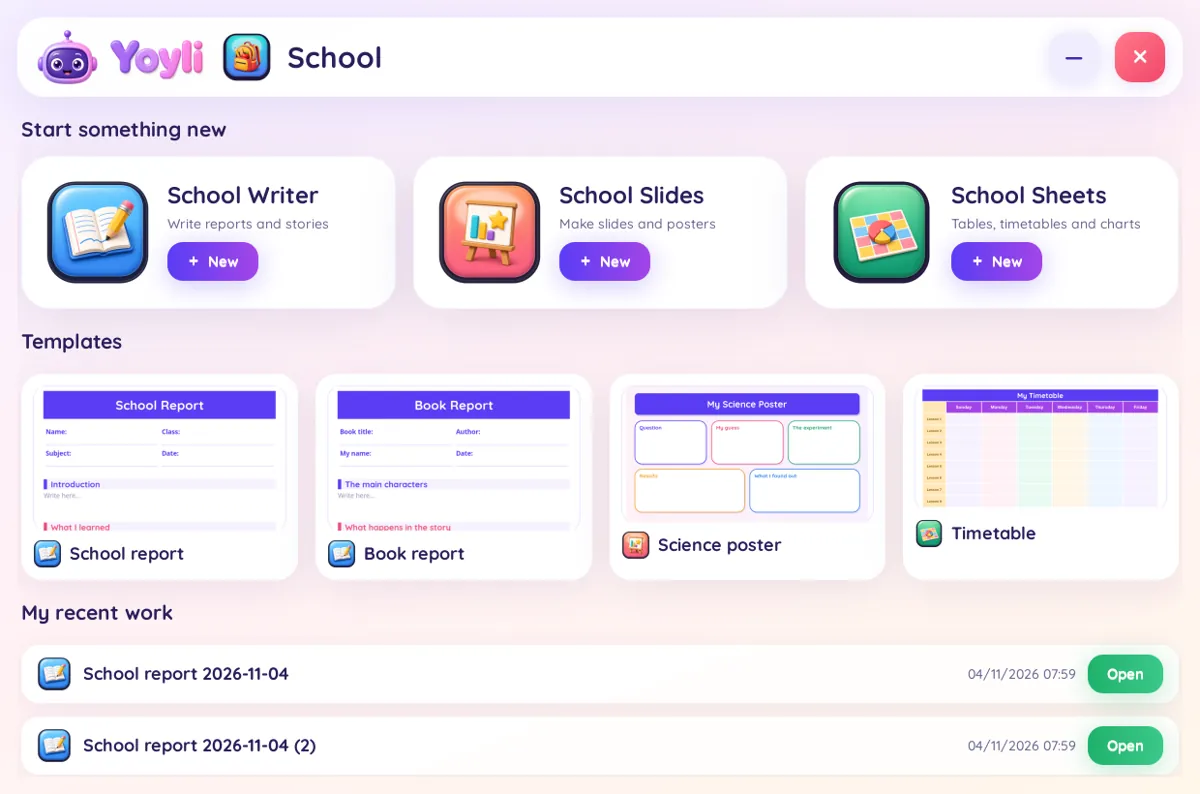
School suite
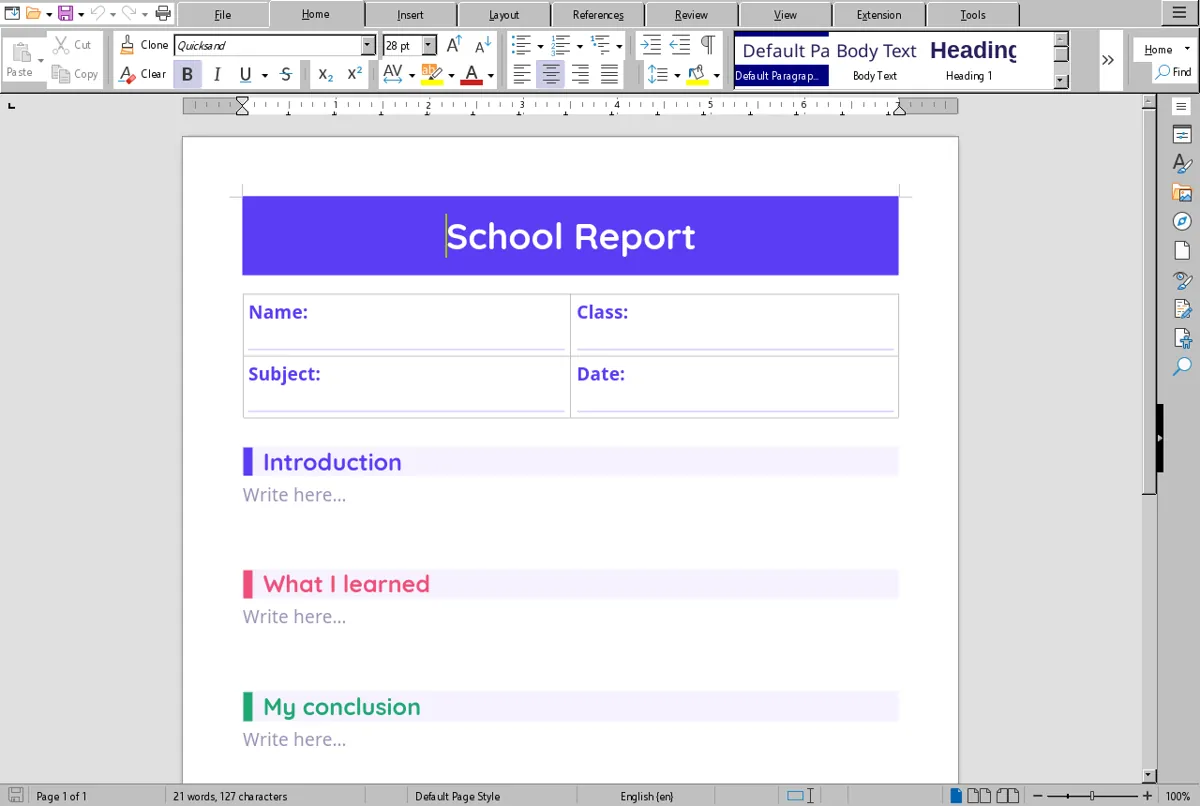
Kid-friendly writer, slides and spreadsheets, with ready templates.
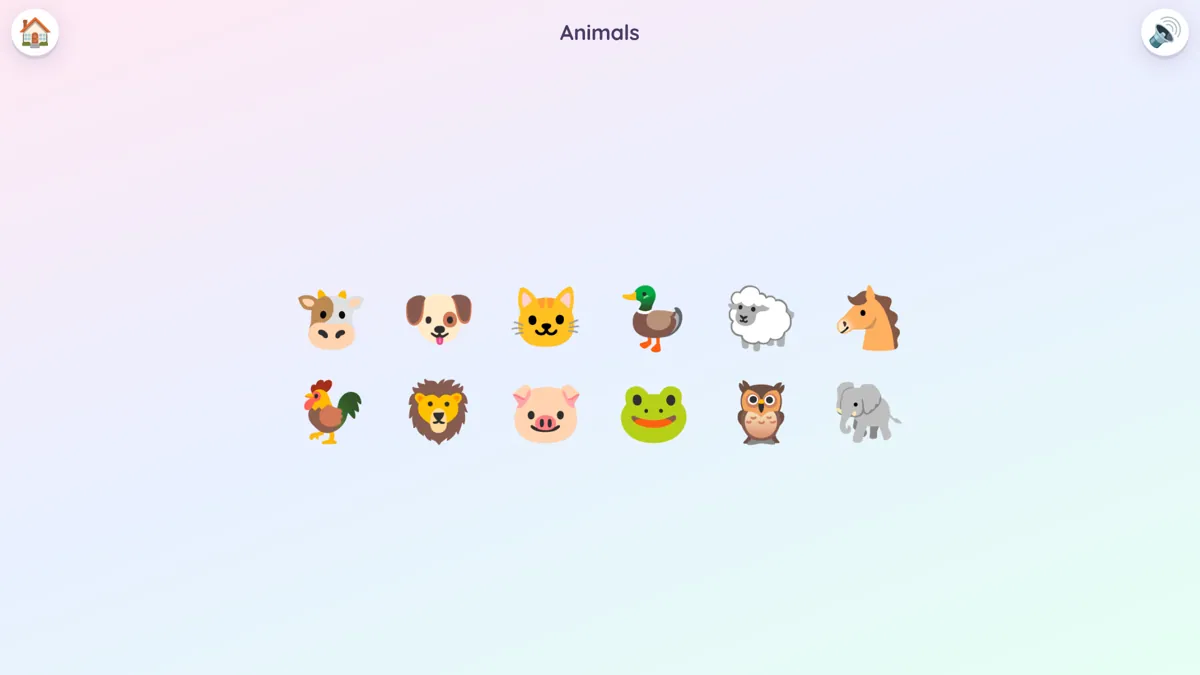
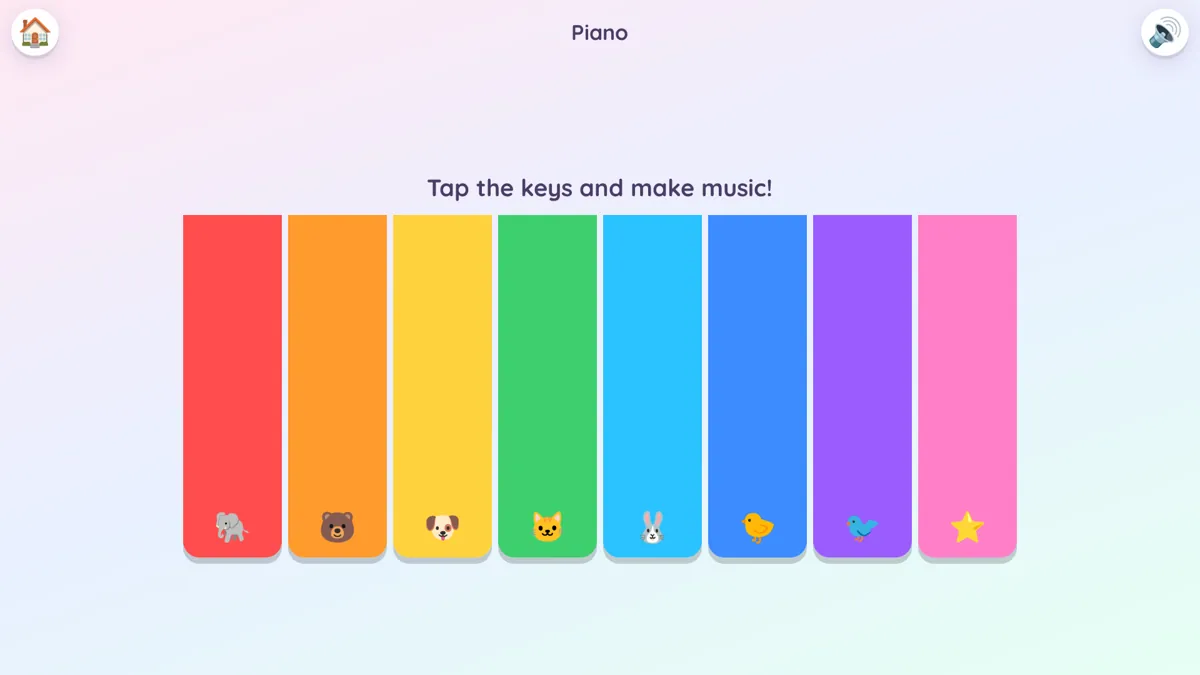
Little Play (2–4)
Colors, shapes, animals, counting, ABC, picture books and songs.
Planner & stickers
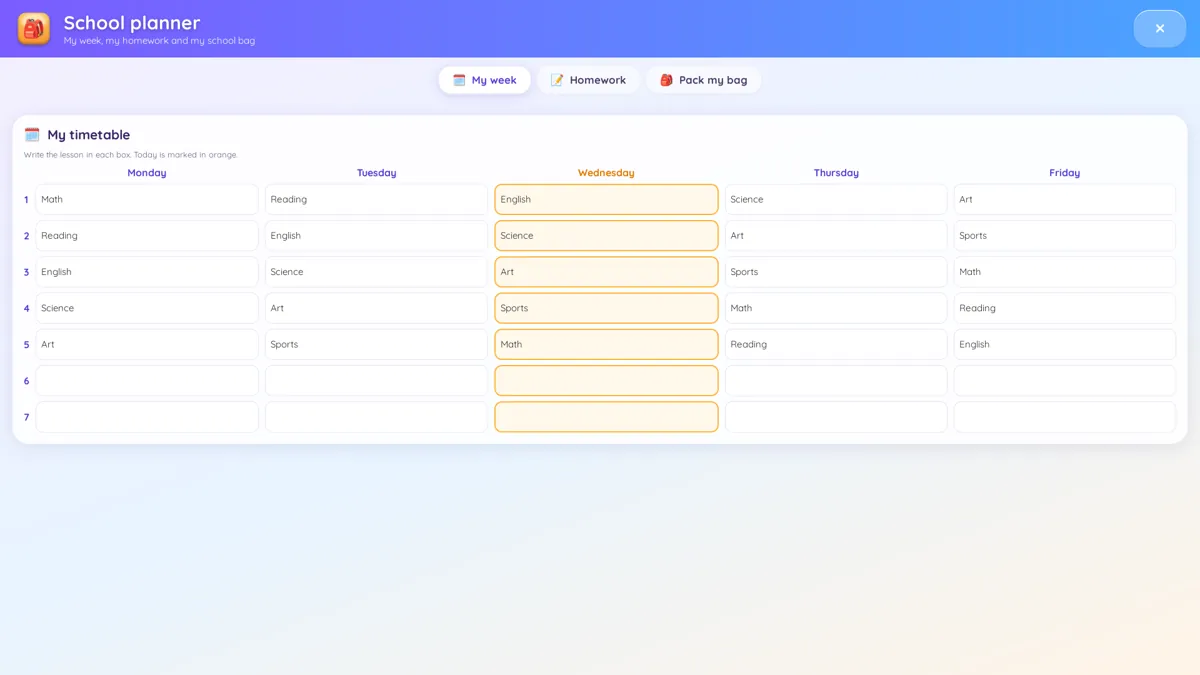
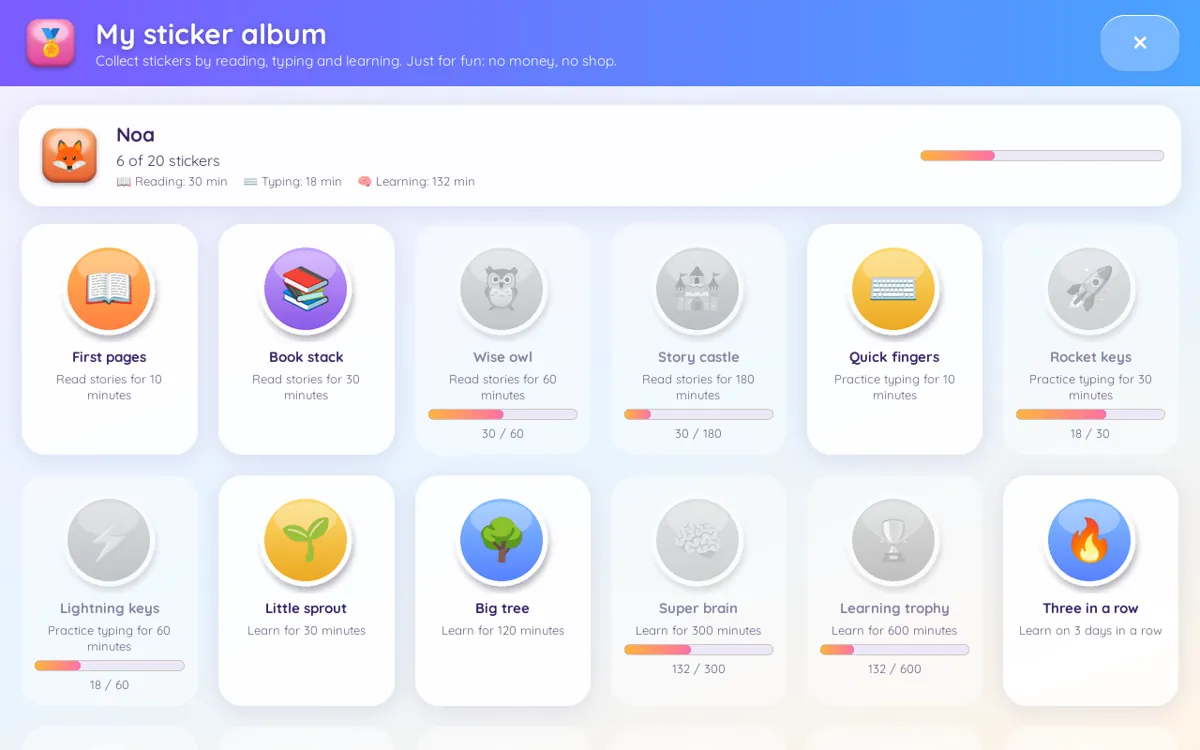
School planner for homework and schedule, plus a sticker album for motivation.
USB backup
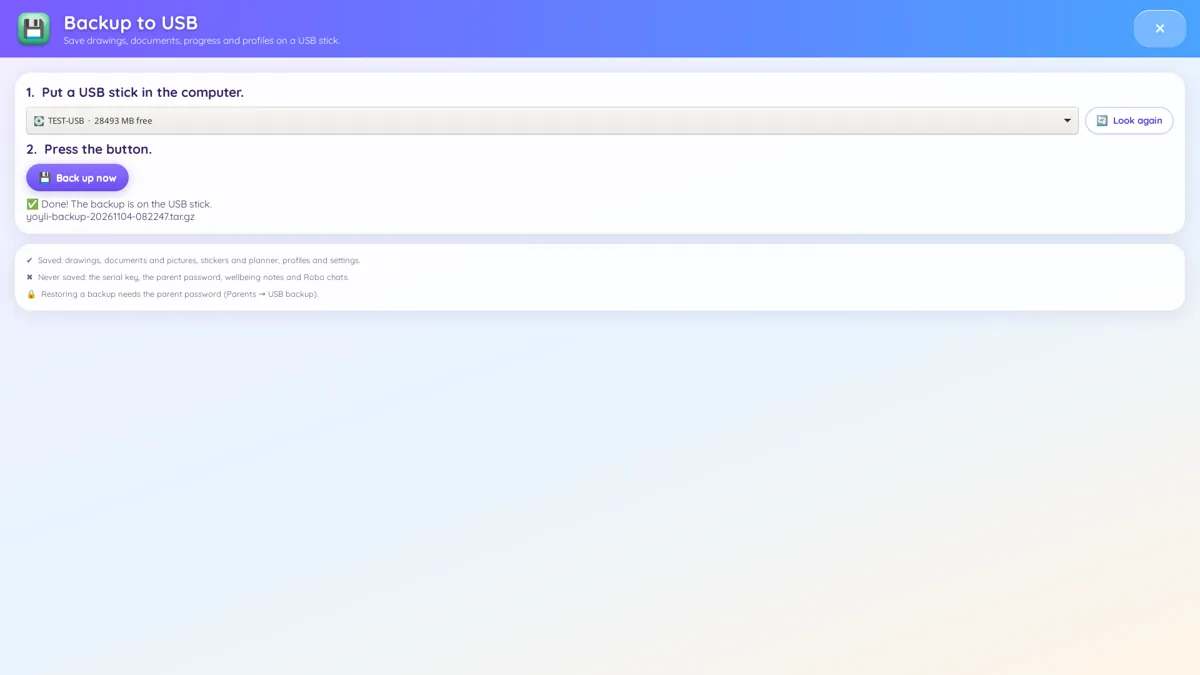
Back up and restore your family’s profiles and work to a USB stick.
Simple Wi-Fi & Bluetooth
Clear, simple screens. Internet is optional.
English & Spanish
Switch the interface language anytime.
Why YoyliOS?
| Feature | YoyliOS | Typical free kids' Linux distros |
|---|---|---|
| Parent password for every install/removal + parents' panel | ✔ | ✘ Limited |
| Curated kids app store (Yoyli Store) | ✔ | ✘ No |
| Offline AI helper (Robo) — no internet, no account | ✔ | ✘ No |
| School office suite for kids | ✔ | ✘ Limited |
| Read-aloud stories & songs ages 2-4 | ✔ | ✘ Rarely |
| Content for every age 2–12 | ✔ | ✘ Limited |
| Light mode for 4GB computers | ✔ | ✘ Limited |
| Modern design | ✔ | ✘ Rarely |
| Regular updates | ✔ | ✘ Rarely |
Free distros are great projects — YoyliOS is a complete, polished product built for families.
Meet Robo, the AI buddy that stays on your computer
Robo runs right on the PC, so it works without internet and conversations aren’t sent anywhere. Kids can ask questions, get a story, or snap a photo of a worksheet and get step-by-step homework help (photo text recognition). A light mode lets Robo run on PCs with 4 GB of RAM.
Robo is an AI and can make mistakes. Stay involved, especially with homework.
Yoyli Store: 100+ apps, zero accounts
A hand-picked catalog of kids’ apps for learning, creativity and play. Filter by age, and every install needs a parent’s OK. No sign-ups, no ads, no purchases inside.
School tools made for kids
A kids’ writer, slides and sheets with friendly templates for reports, presentations and charts. Great for homeschool families and homework time.
Little Play for ages 2–4
Big, picture-based activities that toddlers can use on their own: colors, shapes, animals, counting, ABC, picture books and songs. No reading required.
You stay in charge
- Parent password protects all settings
- Daily screen-time limits per child
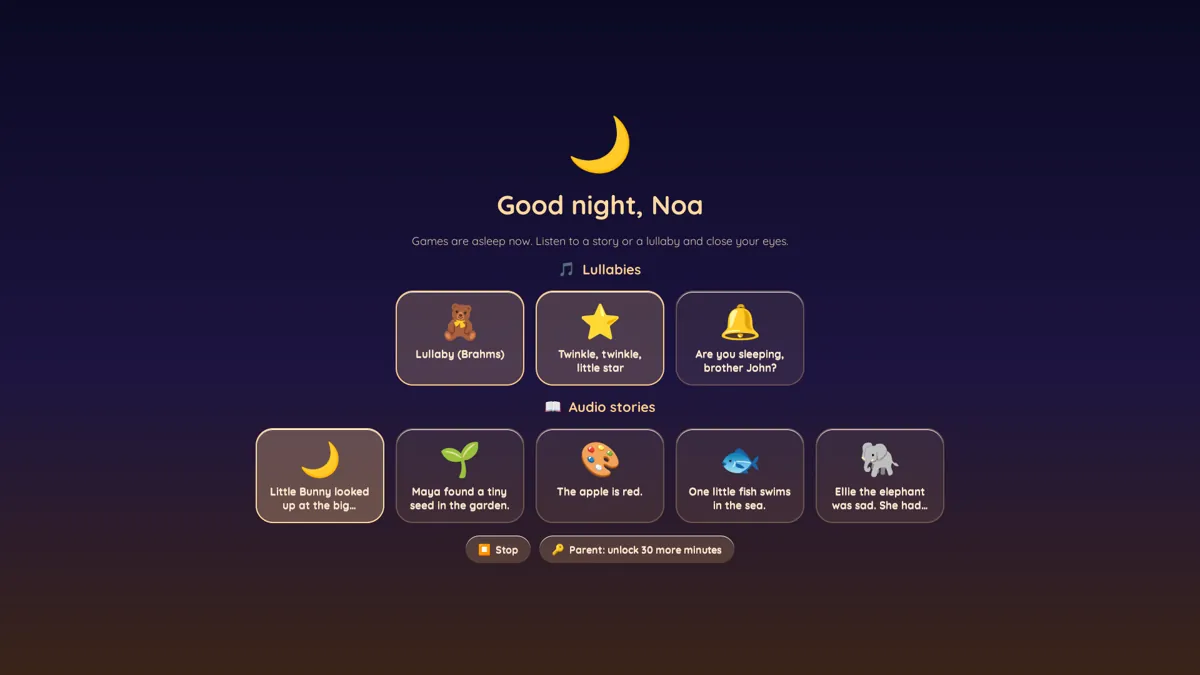
- Bedtime mode locks the computer at night
- Screen-time deal: set expectations together
- Approve every app before it’s installed
- USB backup & restore for peace of mind
Loved by families like yours
Homeschool families
School suite, planner, offline Robo help and age-based apps, all on one computer.
Values-minded parents
You decide what’s on the computer. No feeds, no ads, no surprises.
Old laptop, new life
Revive the PC in the closet instead of buying a new device.
Private by design
YoyliOS works offline. No accounts, no tracking, no data collection. Your child’s activity stays on your computer.
System requirements
- 64-bit PC (most Windows-era laptops & desktops)
- 4 GB RAM minimum · 8 GB recommended
- 16 GB USB stick or larger
- Internet not required
How to install YoyliOS
One simple Windows installer. Pick the way that fits your family.
Install next to Windows
Makes room on the disk and installs YoyliOS. At each startup, choose Windows or YoyliOS. The fastest option.
Create a YoyliOS USB
Insert a USB drive (16GB+), click, done. Run YoyliOS from the USB without installing, or install it on any computer. Changes nothing on the PC.
Run inside Windows
Opens YoyliOS in a window, like a regular app. Doesn't change the disk or settings. Slower; best on computers with 8GB+ RAM.
↩️ Changed your mind? The uninstaller removes YoyliOS and restores your computer just as it was.
One price. Yours for life.
$19 one-time · lifetime license key · no subscription, no ads, no upsells.
Get YoyliOS — $19Questions
Can I get a refund?
Yes. See our refund policy for details.
Does it work on a Mac?
Older Intel-based Macs may work but aren’t officially supported. Apple Silicon Macs (M1 and newer) are not supported.
Will it erase my computer?
You can run YoyliOS from the USB stick without touching what’s on the PC. Installing to the disk is optional, and you choose it.
Do I need internet?
No. Everything, including Robo, works offline. Wi-Fi is optional.
I need help installing.
We include step-by-step instructions. You can also email us at [email protected].
Is it a subscription?
No. You pay $19 once and get a lifetime license key.